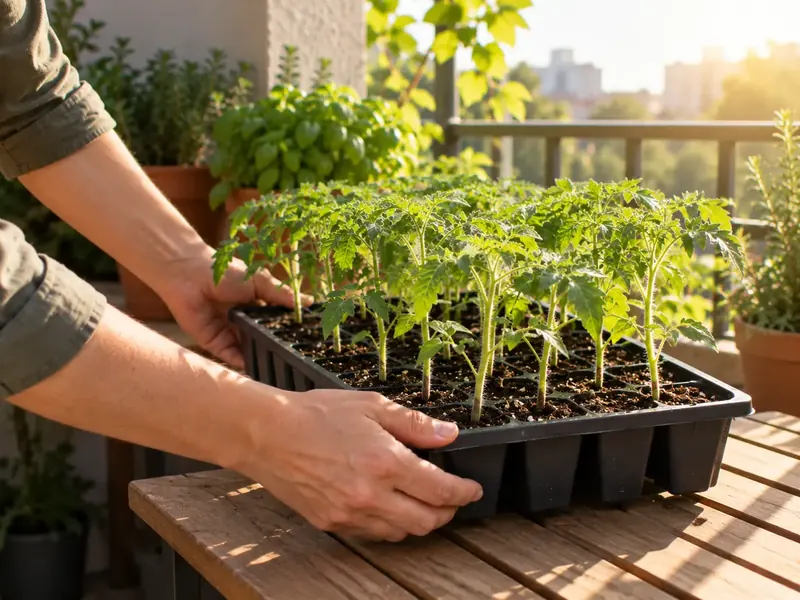
What to do this week
Every plant gets its tasks for its stage: sowing, hardening off, staking, suckering, harvesting. Clear steps, with photos of how each one is done.
An assistant for people growing vegetables at home. It works out the water in your soil from the real weather where you are, tells you what to do each week for every plant at its stage, and helps you figure out what is wrong with a leaf from a single photo.
This is how it looks in the app. When it rains, the soil refills and you are not asked to water. When the water drops below what your plant needs at its stage, you get a heads-up. The math uses the FAO-56 method with your local forecast.
Every plant gets its tasks for its stage: sowing, hardening off, staking, suckering, harvesting. Clear steps, with photos of how each one is done.
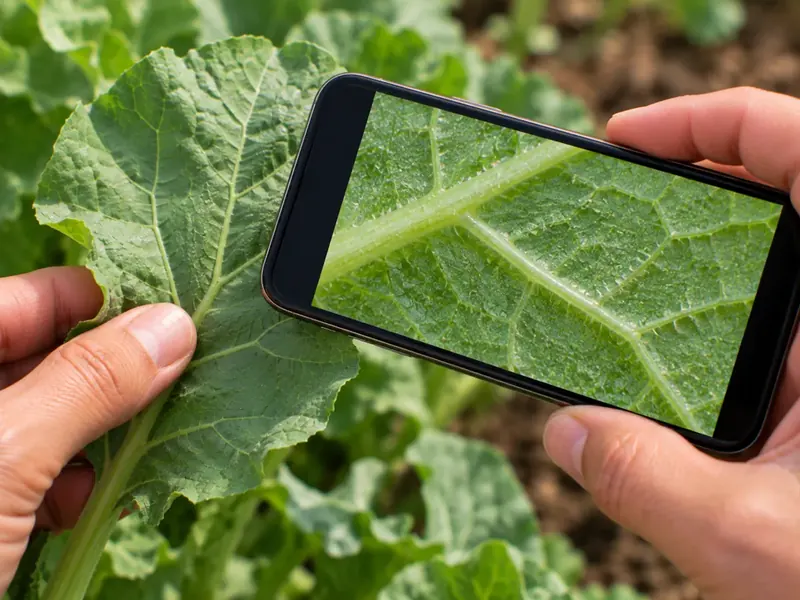
Take a photo of the leaf that worries you. The AI assistant looks at it together with your climate and how you have been caring for the plant, and tells you what to do.
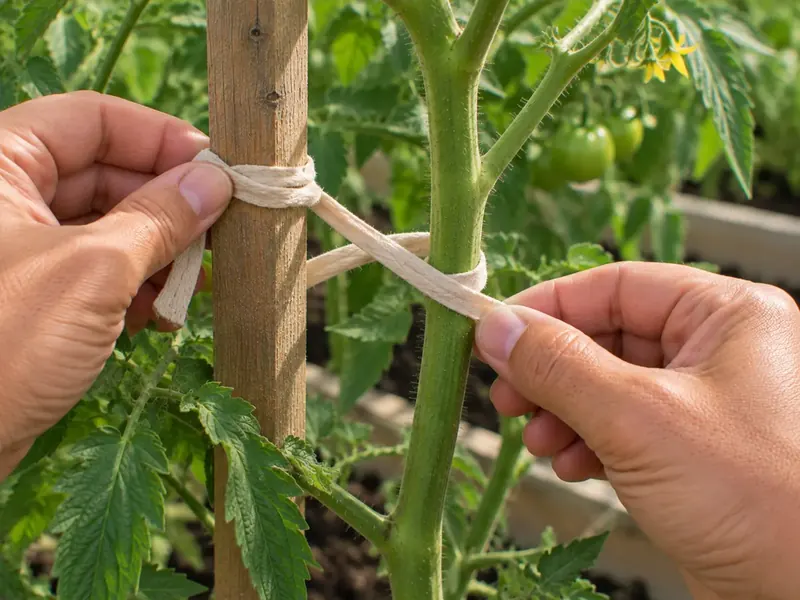
Tips and guides from verified growers, filtered by what you grow and the stage you are at.
16 vegetables and more than 120 varieties, from cherry tomatoes to purple garlic. From seed or from seedlings.
Your location sets the weather and sowing dates. Works in both the northern and southern hemisphere.
Every day you see whether it is time to water, and every week what each plant needs.
You start with a free trial. After that the app runs on a subscription you can cancel any time from Google Play.
Yes. Watering and the calendar are worked out from your coordinates and local weather, not from a list of cities.
Android only for now. The iPhone version is on its way.
We only keep what the app needs to work. The details are in the privacy policy. Privacy
From the app or by email. Both ways are explained here: Delete account