 Cropanion
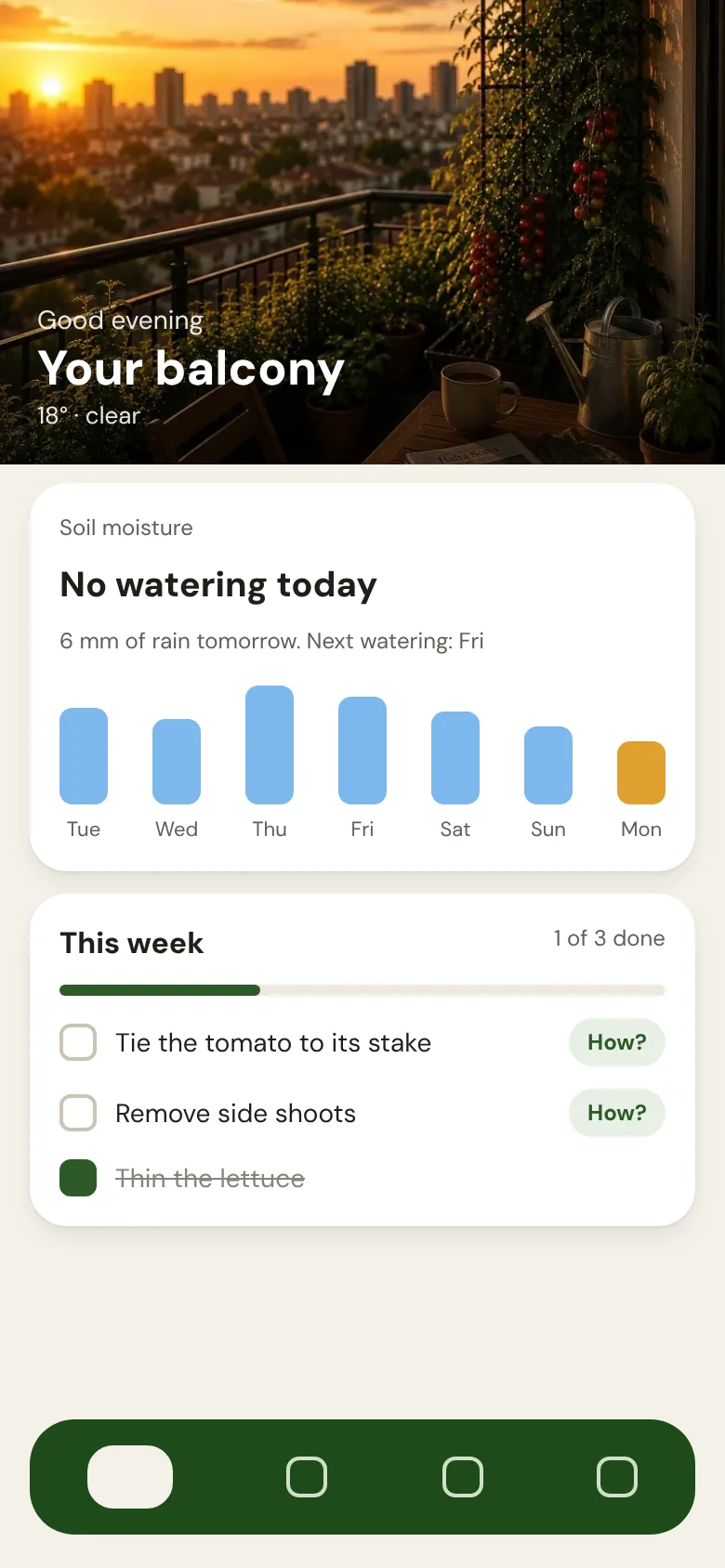
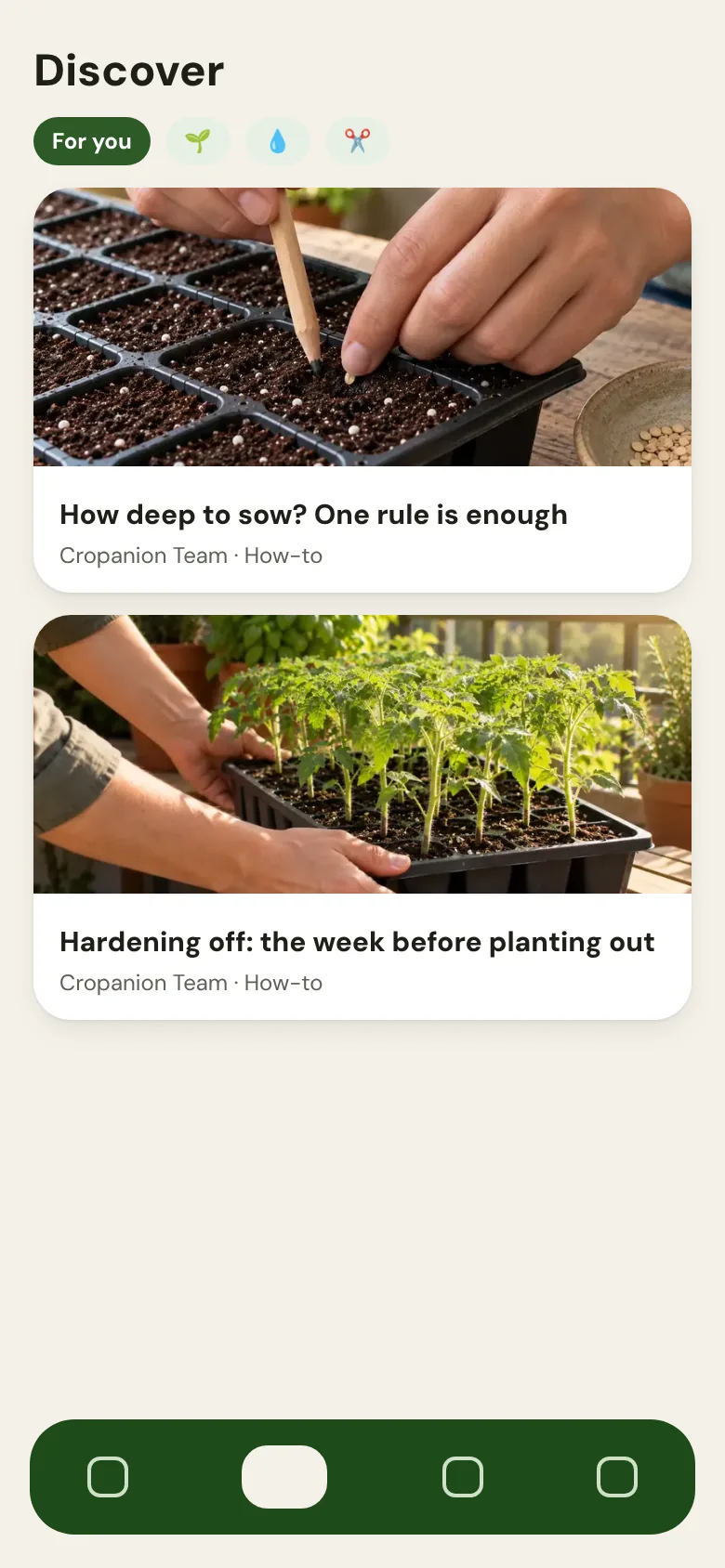
What you get.
Being a Mentor and having Pro come as one package. For the length of your invitation, Cropanion Pro is free and your profile carries the Mentor badge.
- 6 months or 1 year of Cropanion Pro, free
- Mentor badge, specialties, a short bio and your Instagram link on your profile
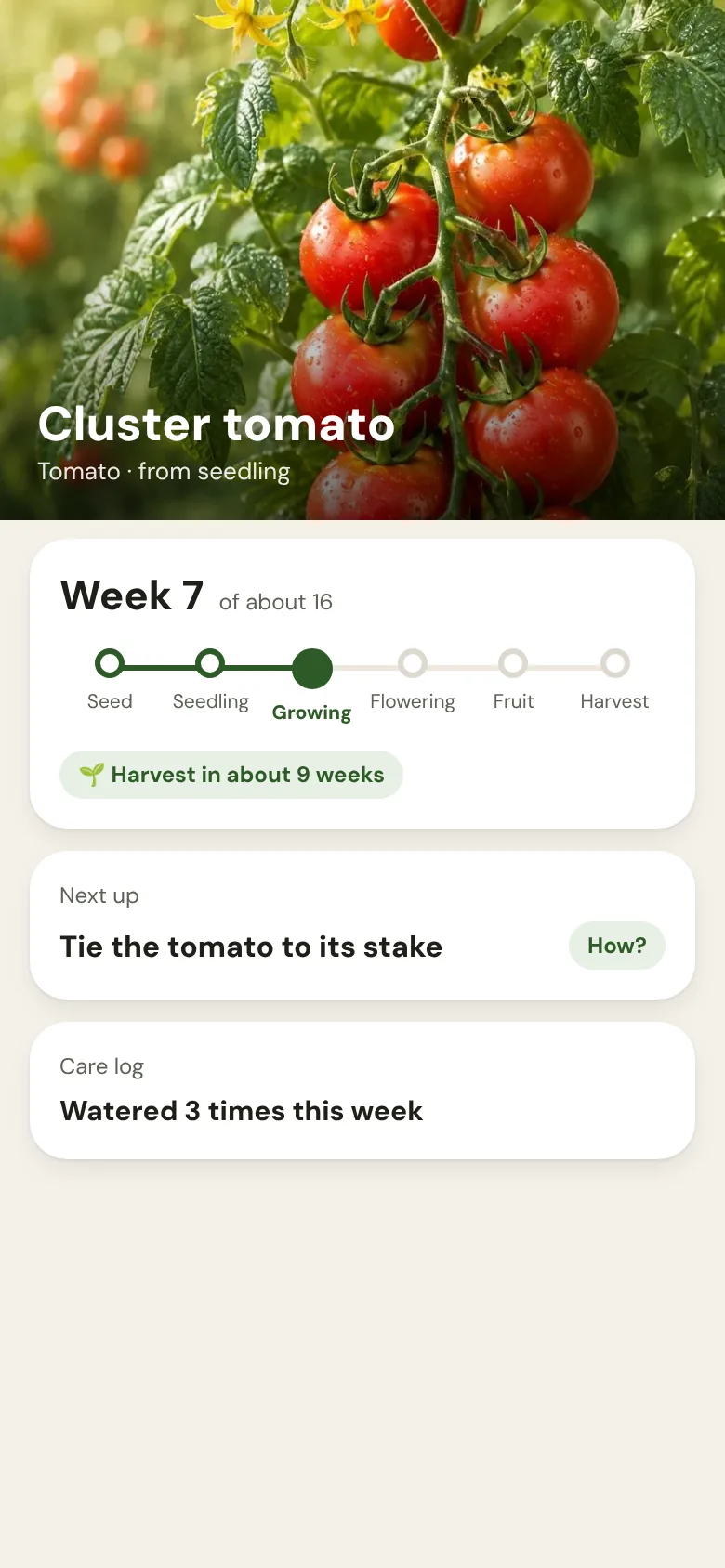
- Your posts shown to people growing that plant, matched to its stage

What we ask.
Share what happens in your garden, in your own words. A photo and a few lines are enough. The app adds the plant and stage tags for you.
- Photo and text posts inside the app, with an optional video link
- No posting quota: share when there is something worth sharing
- No obligation to post about Cropanion on your own accounts
How it starts
Your invitation
We write to you and send a personal code. It works once, and only on your account.
Download and enter the code
Install Cropanion, create your account and tap "Have a code?", or go to Settings → Account → Redeem a code.
Complete your profile
Add your specialties and Instagram, then share your first post.
Interested?
The program is by invitation for now. If you grow and share your experience regularly, write to us at cropanion.app@gmail.com
Questions from growers
Is it paid?
No money changes hands either way. In return for your posts you get free Pro and visibility inside the app.
How often do I need to post?
There is no quota. Post when something in your garden is worth sharing.
Who owns my posts?
You do, and you can use them anywhere else. You give us permission to keep them in the app. You can edit or delete a post within 24 hours of publishing; after that it stays. If you delete your account, your posts stay without your name or photo. The details are in section 7 of the Terms.
What happens when my period ends?
Mentor status and Pro end together. We extend it for active Mentors. Your posts stay up.
Is there an iPhone version?
Android only for now. The iPhone version is on its way.